← chief

Product updates

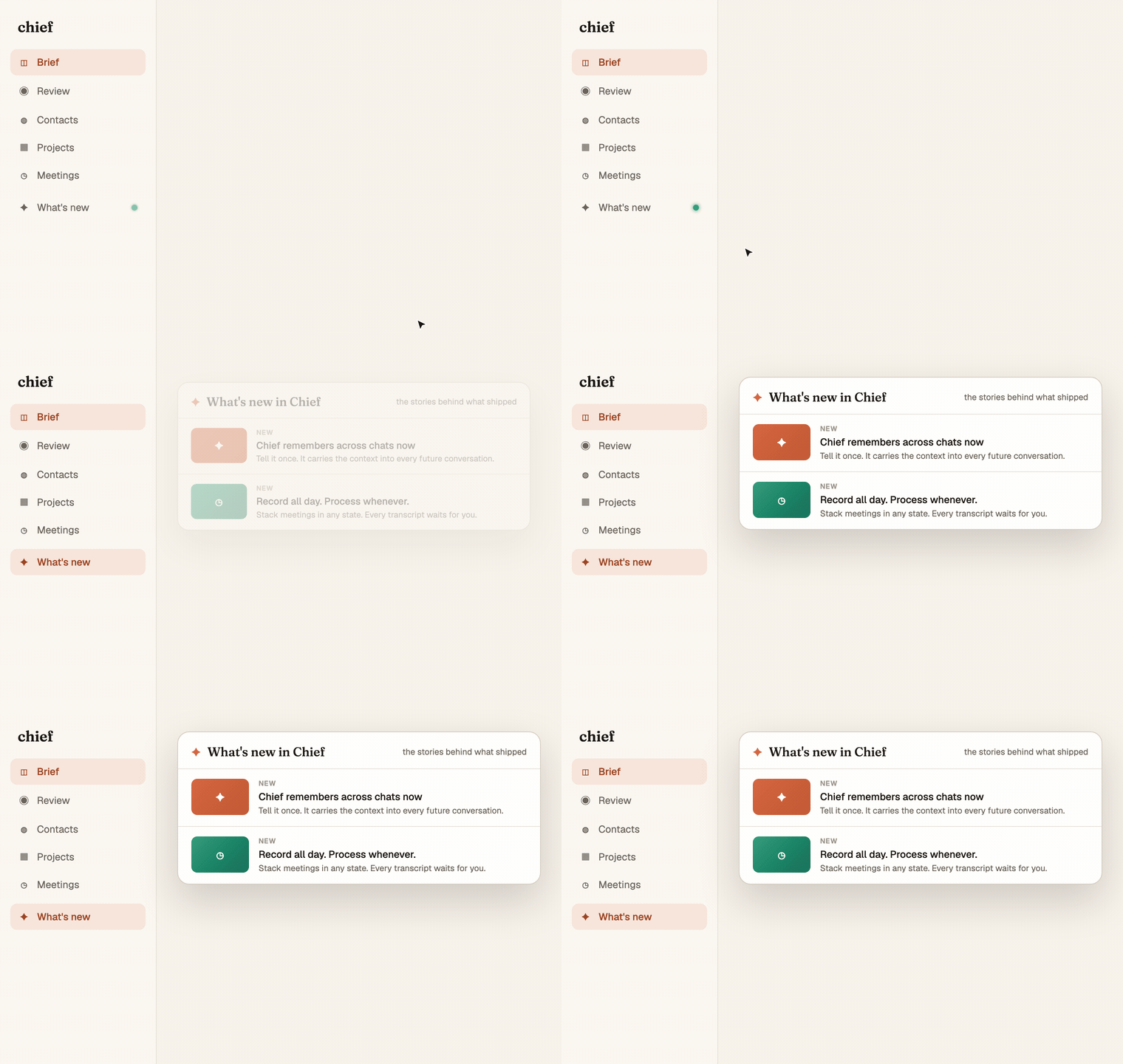
What’s new in Chief

The stories behind what’s shipping. Written for the people using it every day.

New contacts arrive already knowing the history
ContactsEmail

New contacts arrive already knowing the history

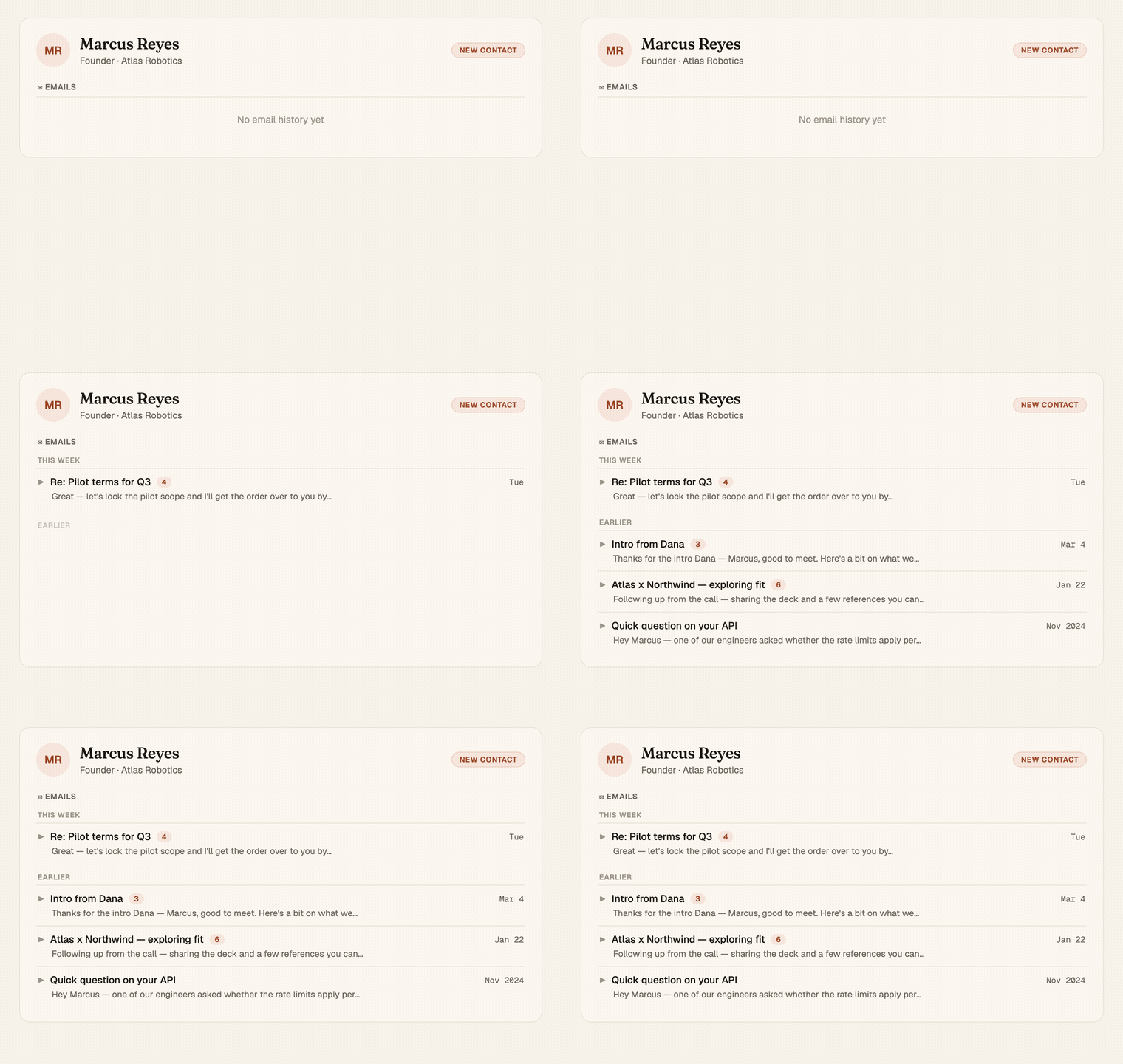
When a contact shows up with no email on file, pulled in from a meeting, a quote, an introduction, Chief now reaches back into your Gmail and brings in the history you already have with them. Their page starts full, not blank.

Mitch Kessler

Mitch Kessler

Founder

Read more
SearchEmail

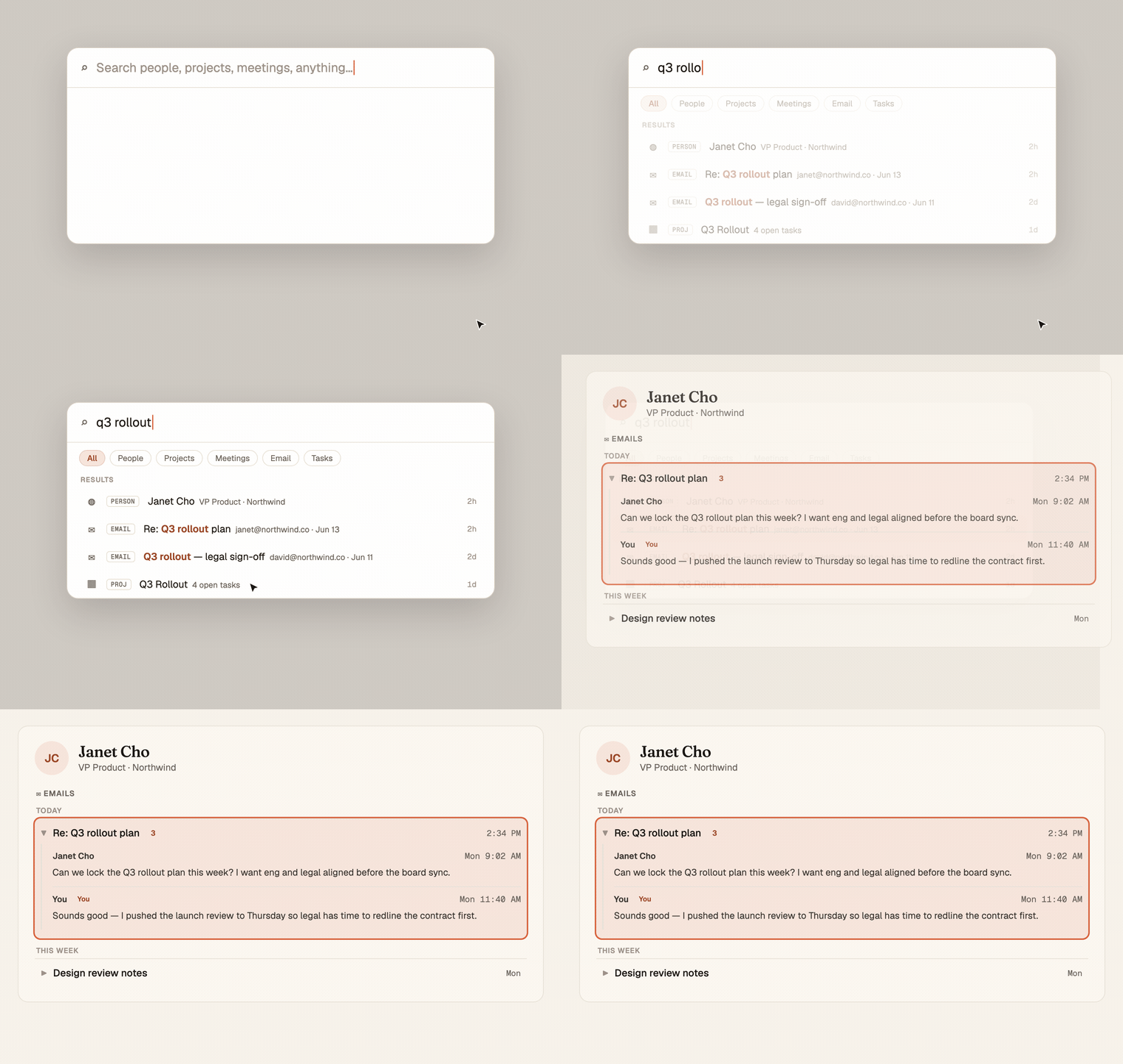
Search your email from anywhere with ⌘K

Spotlight now searches inside your email, not just names and titles. Type a phrase you remember, find the thread it lived in, and click straight through to that conversation on the person's page. The thing you half-remember is two keystrokes away.

ContactsEmail

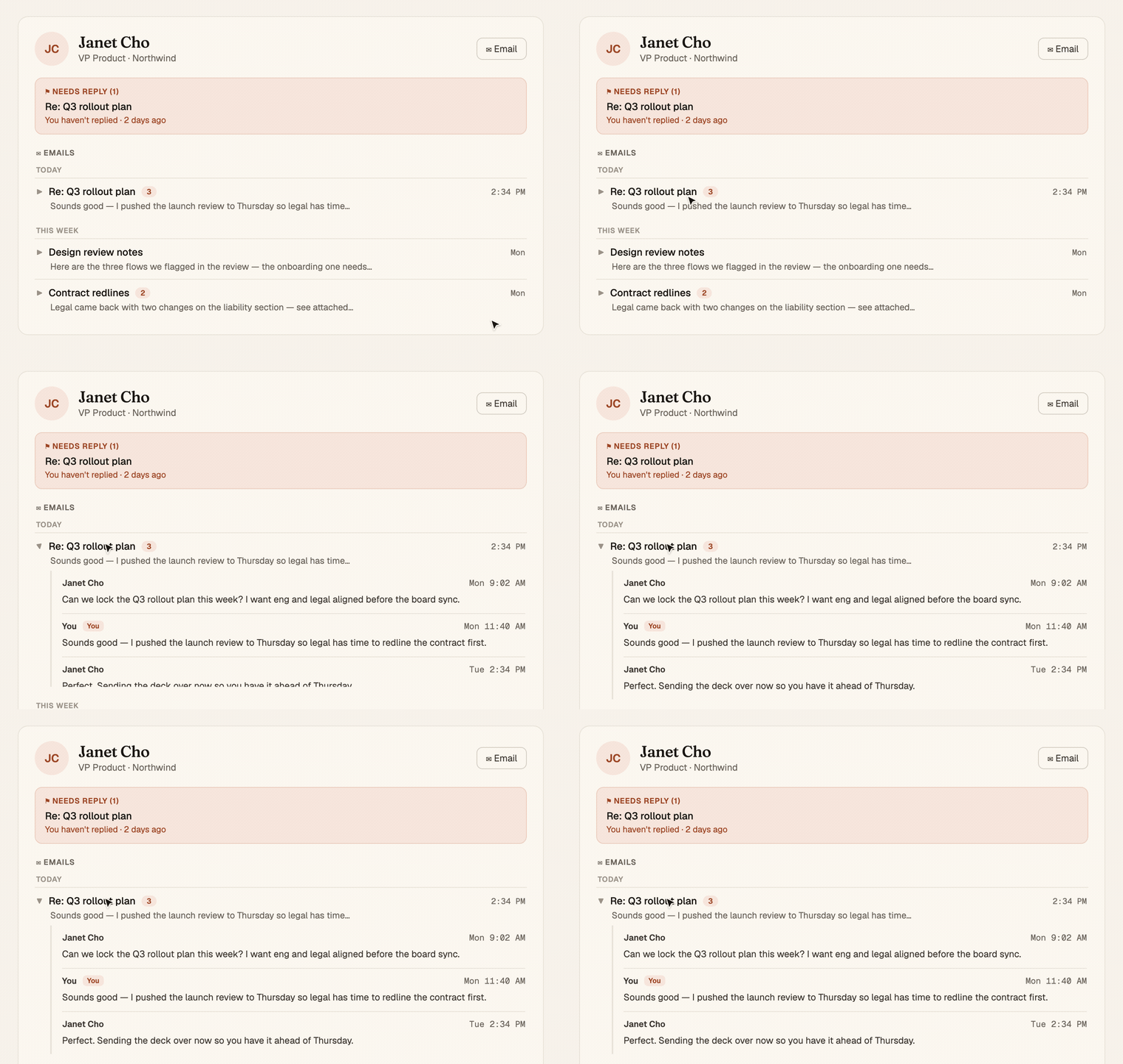
Open a contact, see every email with them

A person's page now carries your whole email history with them. Threads grouped by when they happened, each one expands inline to the full conversation, rendered clean and readable. And a "Needs reply" box at the top shows the ones still waiting on you.

AIFreshness

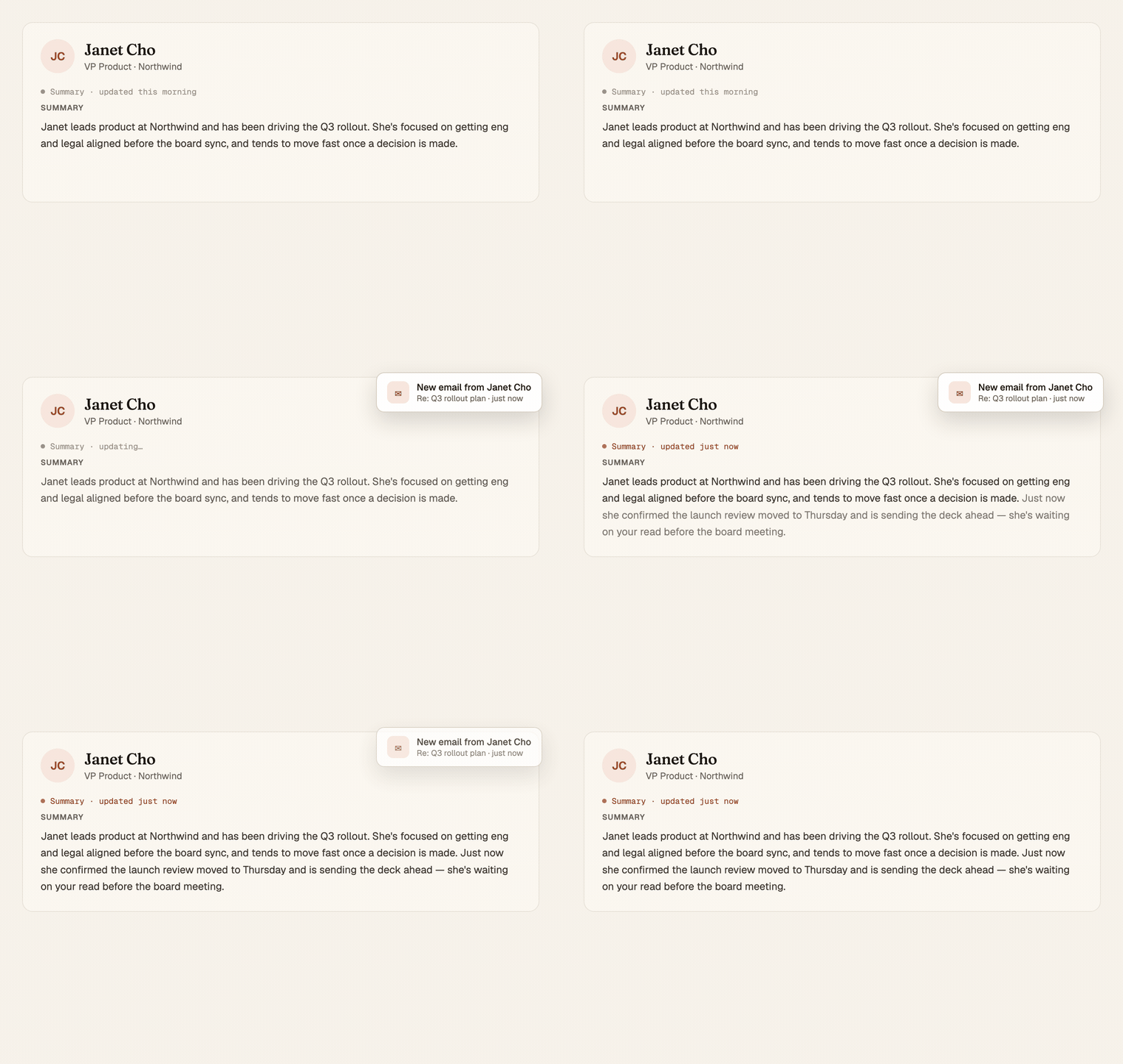
Your summaries keep up the same day

Chief's summaries used to refresh overnight. Now they catch up minutes after something happens, an email lands, a meeting wraps, so the page you open at 2pm reflects your 1pm, not yesterday. Current, right when you need it.

ProjectsAI

Every project tells its own story now

A project used to be a folder of tasks. Now it keeps a running story of what got done, what got decided, and who came and went, written in plain language you can actually read. Open a project and you get where it stands, not just the to-do list.

DesktopReview

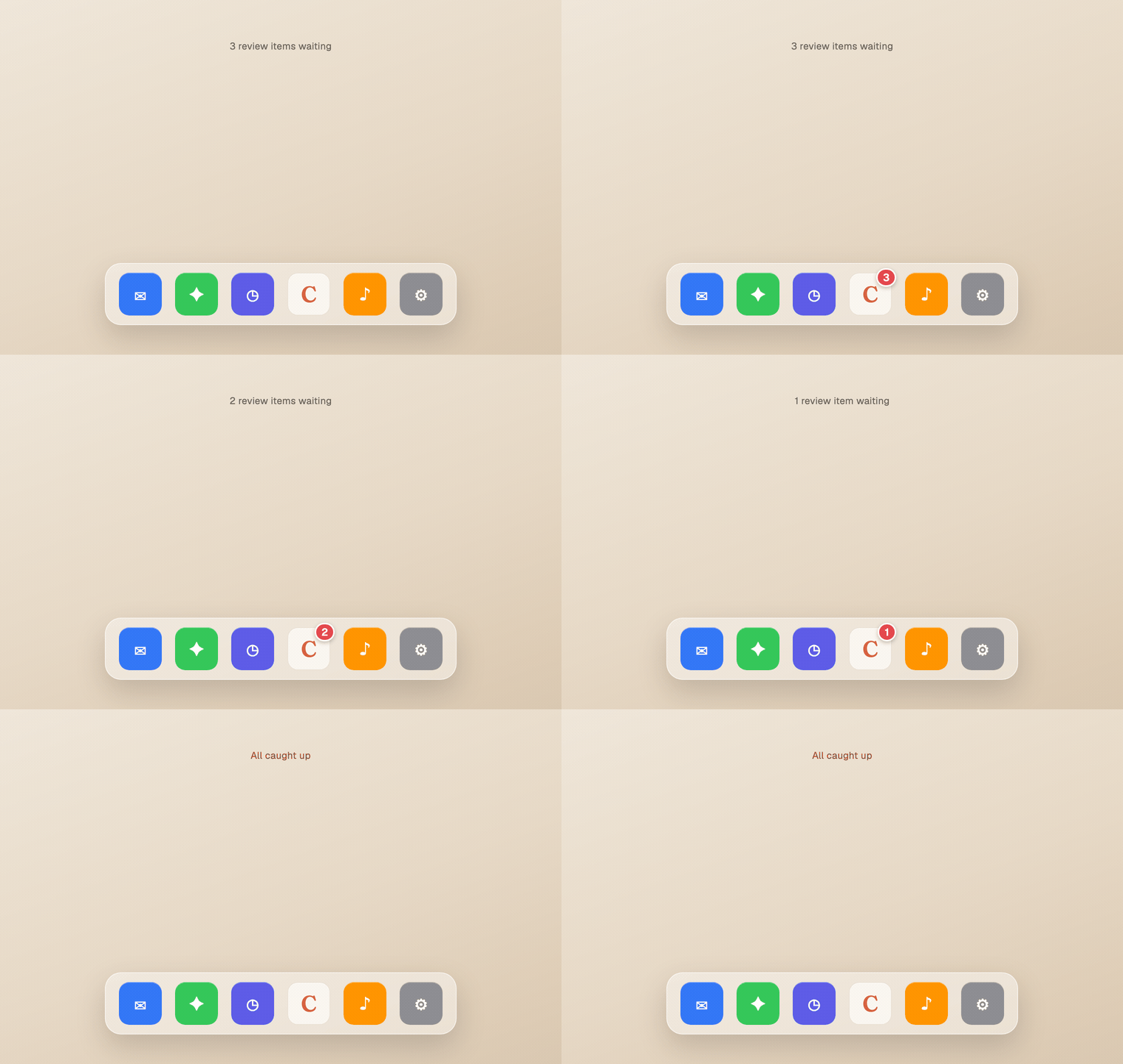
What's waiting for you, right on the Dock

The Chief desktop app now puts a red count on its Dock icon when you have review items waiting. You can see there's something to clear without opening the app, and it ticks down to nothing as you work through it.

ProjectsAI

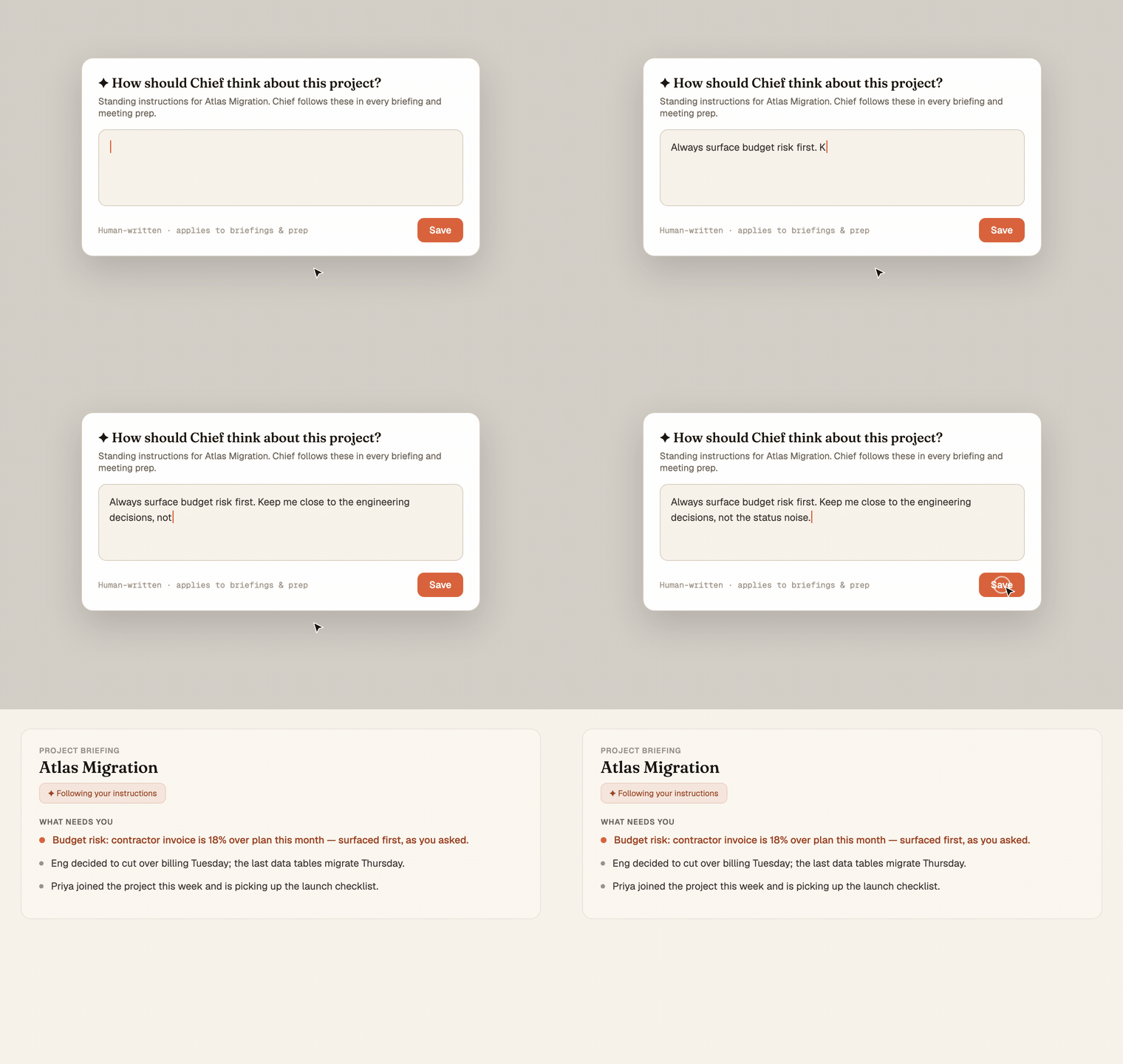
Tell Chief how to think about each project

Give a project its own standing instructions and Chief carries them into every briefing and meeting prep for that work. "Always flag budget risk." "Keep me close to the engineering thread." Say it once, and it shapes how Chief reads that project from then on.

ProjectsOrganization

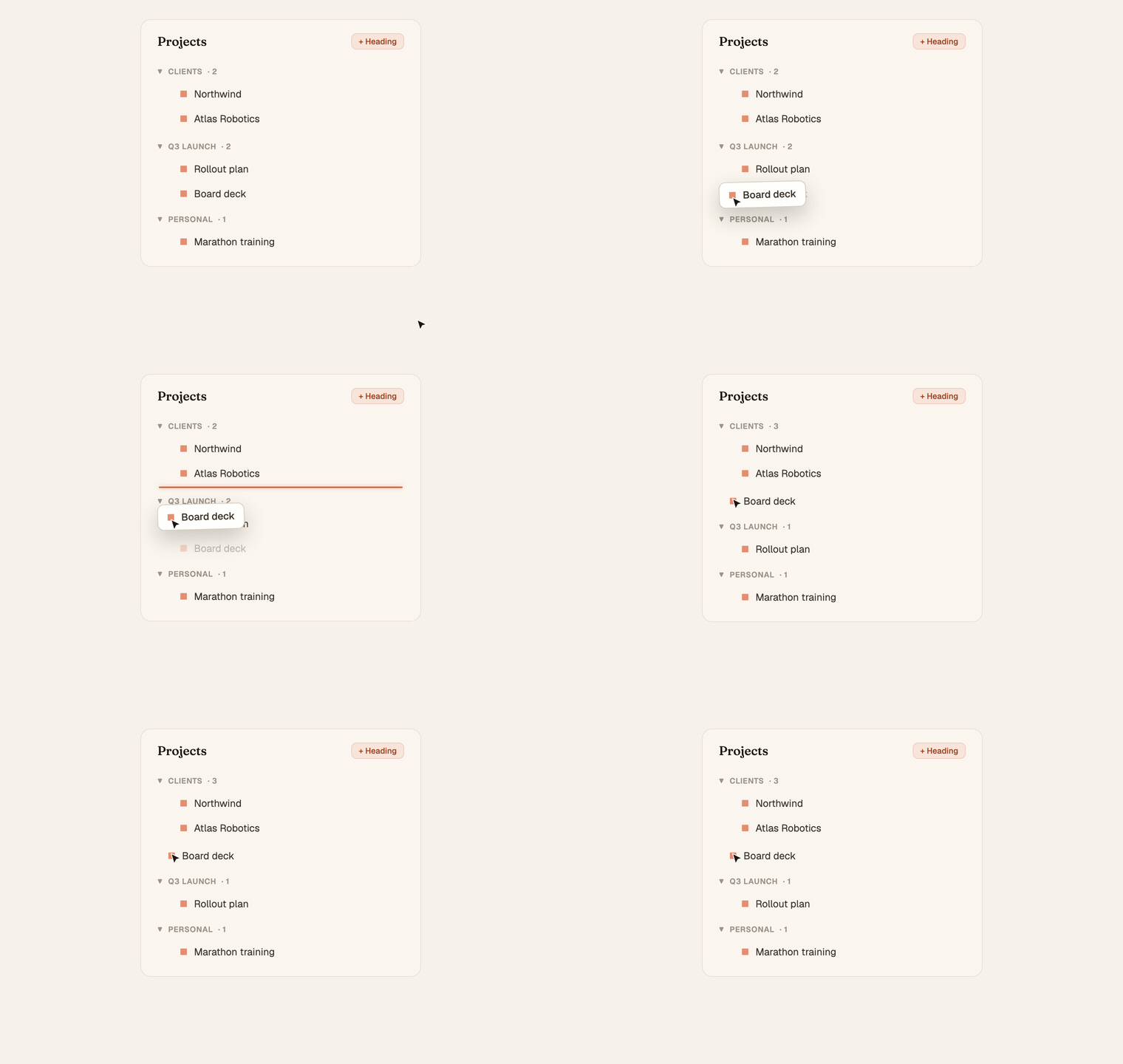
Arrange your projects the way you think

Group your projects under headings you name, drag them into any order, and nest them into a structure that matches how your work is actually shaped. Prefer it simple? It stays alphabetical until you decide otherwise, one toggle flips it back.

MeetingsTasks

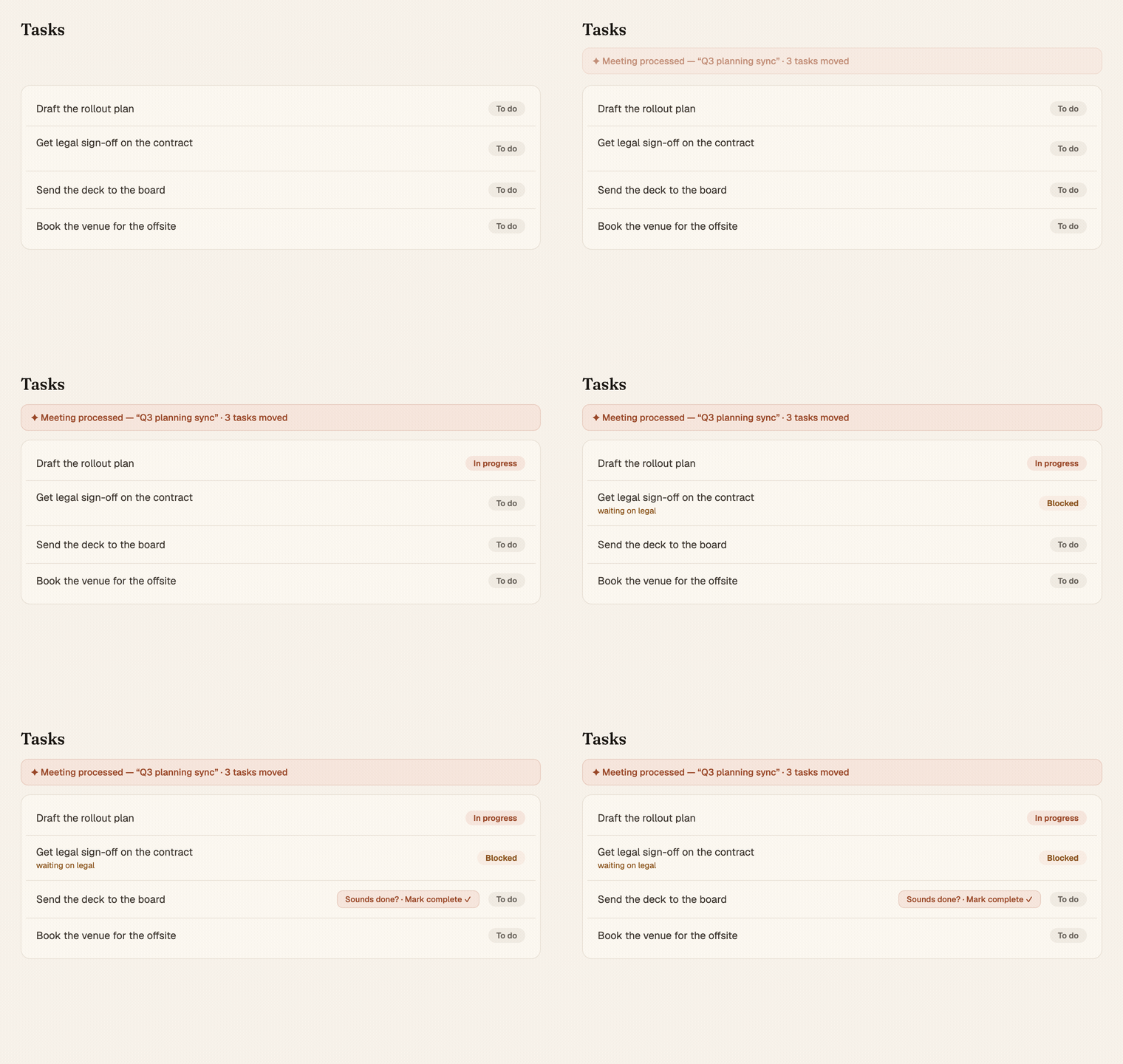
Your meetings move your tasks forward

Talk through your work in a meeting and Chief updates the tasks you already had. It advances the ones that moved, flags the ones that got stuck, and surfaces the ones that sound finished. No manual status-keeping.

MeetingsDesktop

Your meetings come to you now.

A desktop notification slides in before every call — who's joining, what it's about, and one click to join and record. Walk away during setup and it starts recording on its own the moment the room goes live.

MeetingsReliability

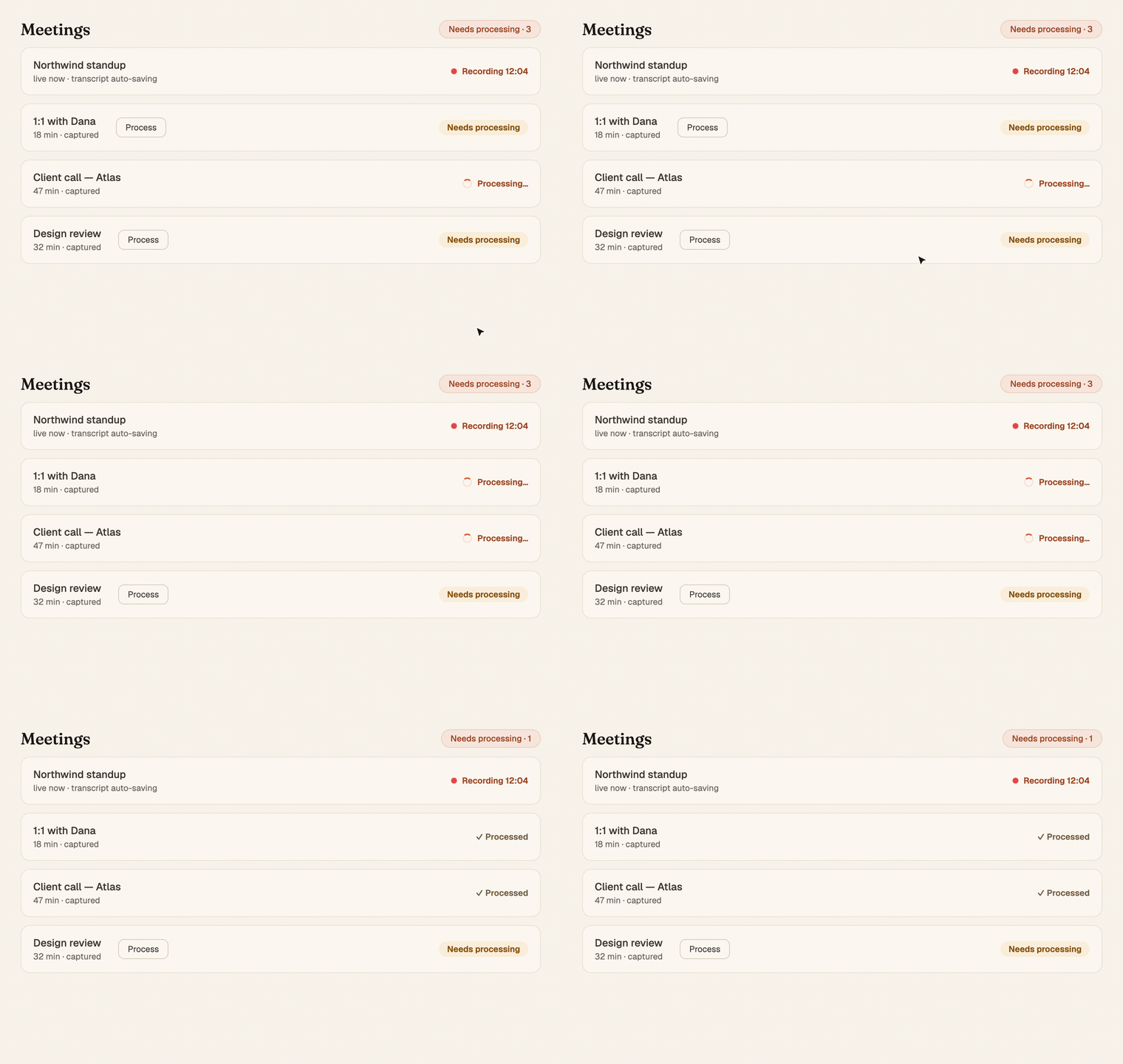
Record all day. Process whenever. Never lose a meeting.

Stack as many meetings as you want, in any state — paused, stopped, half-finished. Walk away, close the app, come back tomorrow. Every transcript waits for you.

AIChat

Chief remembers across chats now

Tell Chief once. It carries the context into every future conversation — automatically, no commands.

MetaLaunch

Introducing Product Updates

A new home for the stories behind what's shipping in Chief — written for you, not for changelogs.